

Filterable Gallery Demo
Curate your visuals with intuitive category filters

Divi 5 Ready
Content Options
Show the title and caption in a grid layout
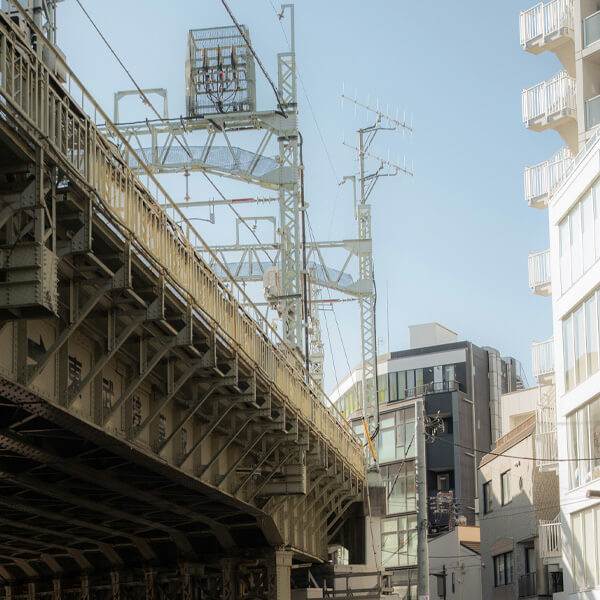
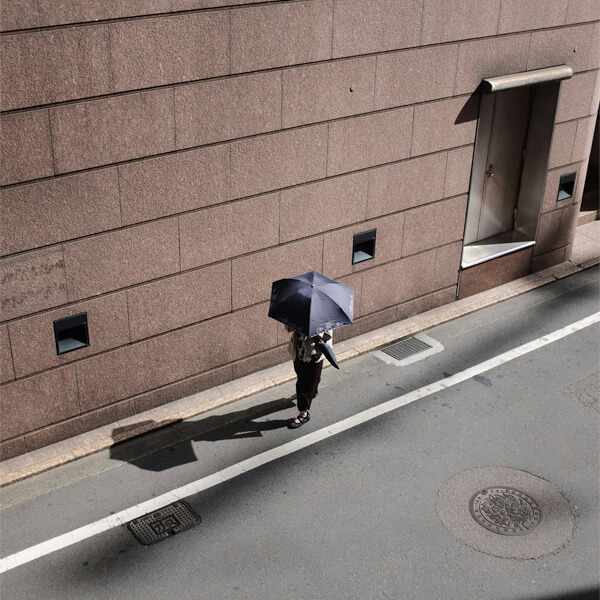
Create advanced image galleries with content shown beneath each image. Choose a Masonry or Grid layout and show the image title and caption right inside the gallery.
















Overlay Animations
Apply eye-catching overlay effects
Place overlay elements on your images and reveal them with eye-catching animations when visitors hover over an image.





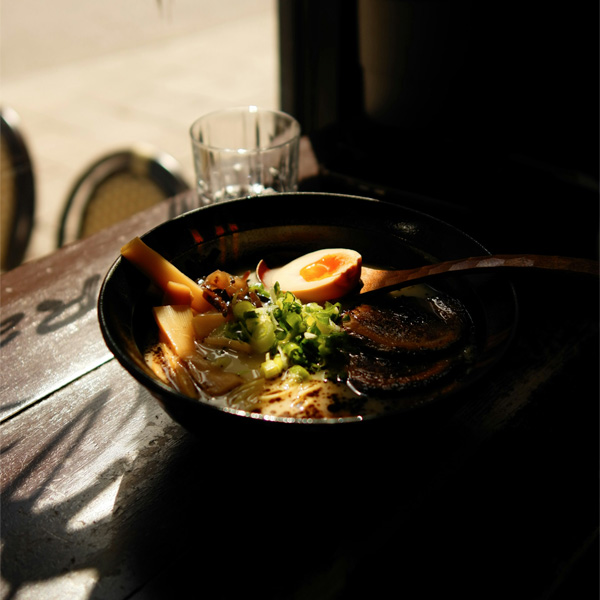








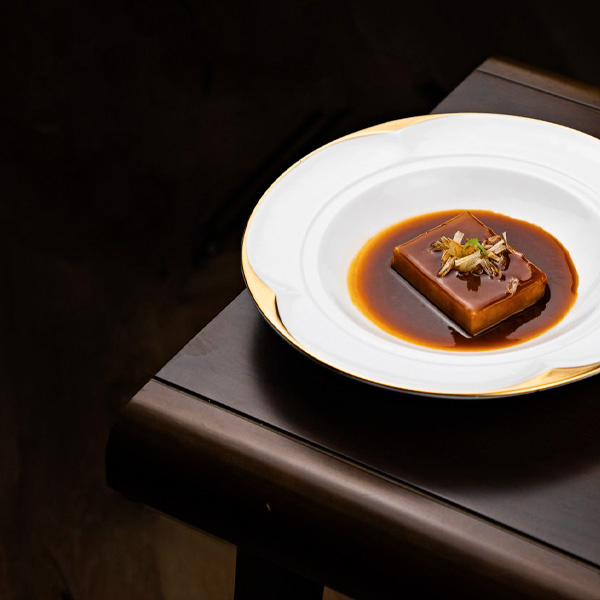







One module - endless options
Sort images in Divi effortlessly
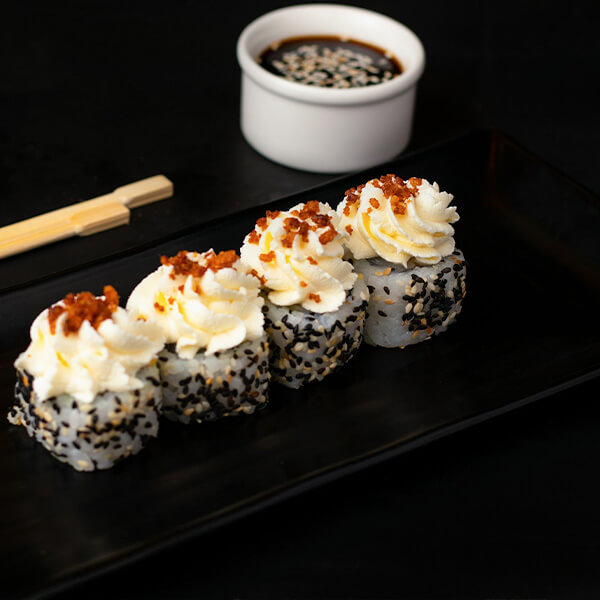
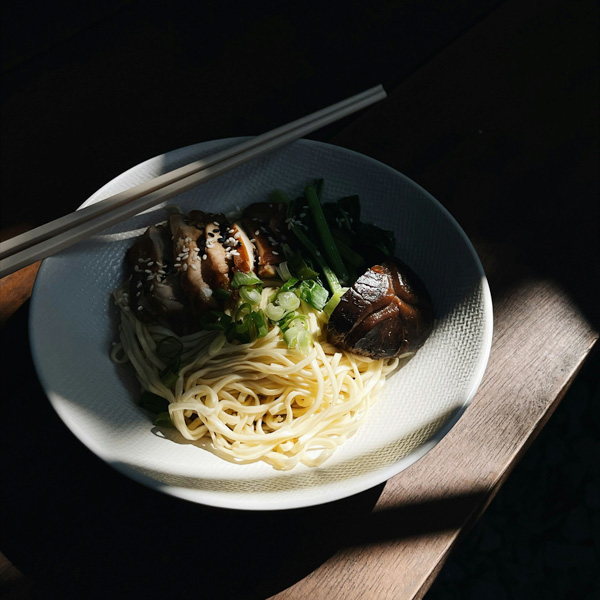
This module introduces a new taxonomy to the WordPress Media Library, letting you assign categories to your media library images.


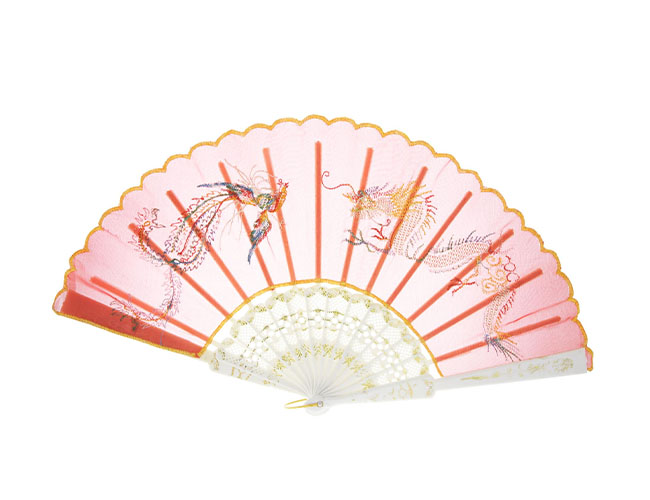


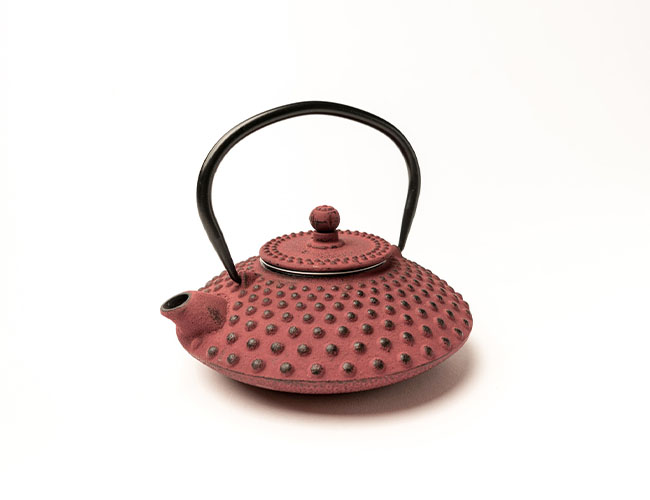
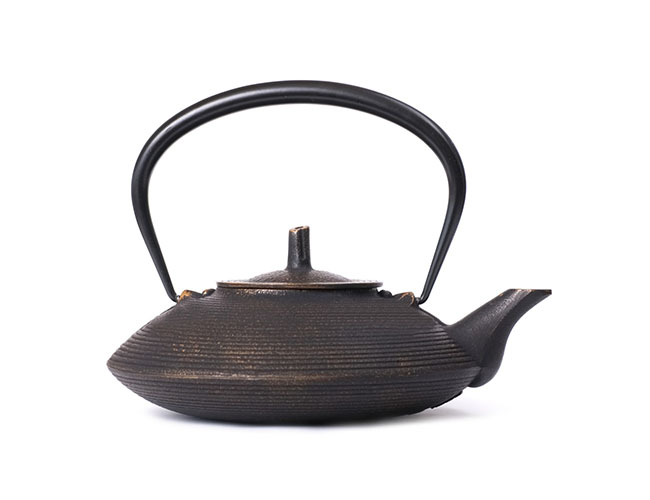
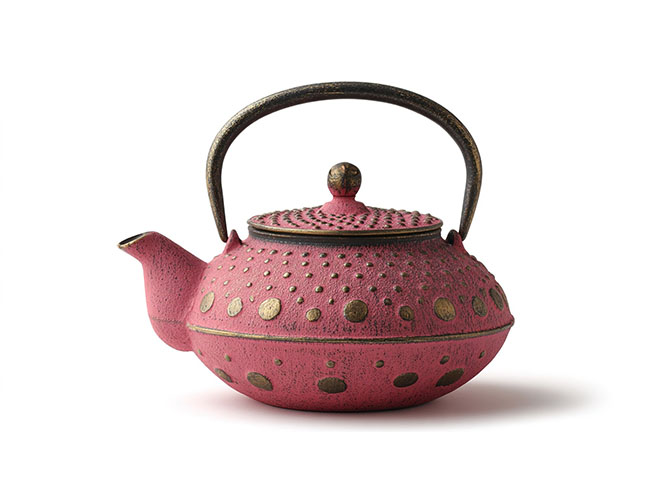











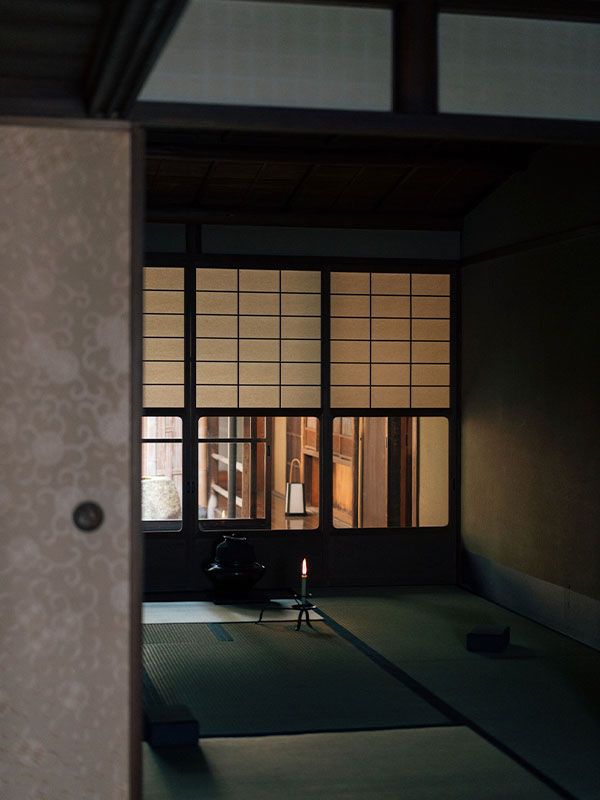









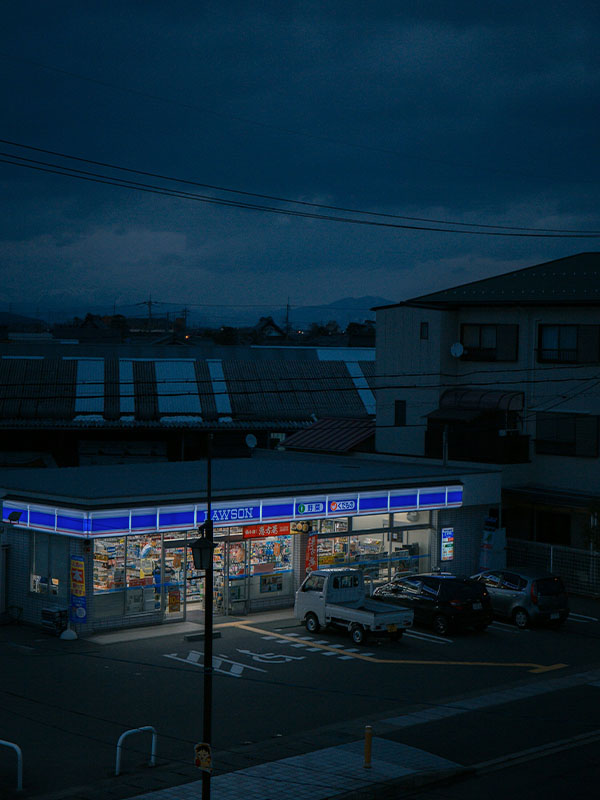




Meet the Team
Present your team members in style
The Divi Sensei Filterable Gallery is perfect for showcasing team members, restaurant menus, image galleries, products, services, and much more!


















Choose your plan
Show your images in a gallery visitors can filter by category, with hover overlays, a lightbox and smooth animations.
All price options are billed annually. You may cancel your subscription at any time. Products subject to a yearly license for support and updates. View terms.