
Canvas Popups Demo
Turn any Divi 5 off-canvas into a popup. Every button on this page opens a real one.

Divi 5 Ready
USE CASES
One toggle, many kinds of popups
Each card below is a regular Divi 5 off-canvas with the Canvas Popups toggle switched on. Position, animation, backdrop and trigger are set right in the Canvas Settings.
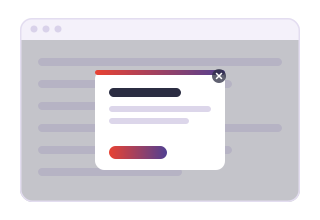
Center · Scale · Backdrop
Newsletter signup
Grow your list with a centered signup popup.
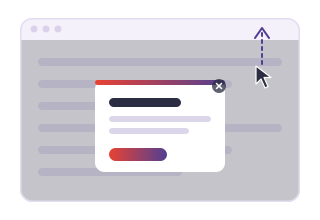
Center · Fade · Exit intent
Exit intent offer
Catch visitors right before they leave. Try moving your cursor to the browser bar.
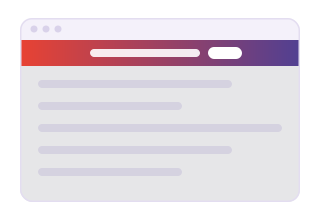
Top · Slide · Light backdrop
Announcement bar
Share news in a slim bar across the top of the page.
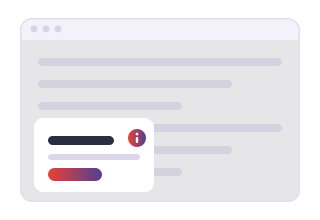
Bottom left · Slide · Light backdrop
Corner notice
A light notice in the bottom-left corner.
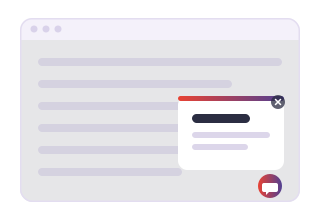
Bottom right · Slide · Light backdrop
Help corner
Offer support links or a chat. Also opens from the chat button in the corner.
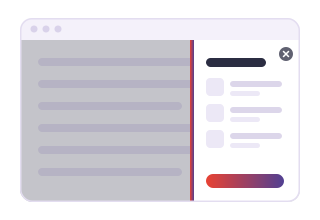
Right · Slide · Backdrop
Side panel
Slide in a full-height panel for carts, menus or promos.
Sensei Trails
BEYOND POPUPS
Build mobile menus and mega menus
Canvas Popups is not only for popups. In the Divi Theme Builder, design a header and hide the regular menu on phones with the Visibility options, then add a hamburger button that opens your off-canvas menu.
Or skip the classic menu entirely and use the button on desktop and mobile alike. Because the menu is a normal Divi layout, you can add images, promos and any module you like, and turn it into a full mega menu.
Try the MENU button on the photo
HOW IT WORKS
From off-canvas to popup in three steps
1
Design the off-canvas
Open any page in the Divi 5 Visual Builder and design an off-canvas with the modules you already know.
2
Switch on the popup
In the Canvas Settings, turn on “Make This Canvas A Popup”. It now shows across your whole site.
3
Pick how it appears
Choose trigger, frequency, position, animation and where it shows. Done, no code and no second builder.
BUILT WITH DIVI 5
Design popups like any other layout
No second builder and no shortcodes. Open the off-canvas in the Visual Builder, switch on “Make This Canvas A Popup” and pick a trigger.

NEWSLETTER POPUP
Get 10% off your first order
Drop Divi's Email Optin or any form module into the off-canvas and it becomes your signup popup. This one scales in over a backdrop.
Weekly tips · No spam · Unsubscribe anytime
EXIT INTENT
Wait! Here is 10% off
Move your cursor toward the browser bar and this popup opens on its own, every time. Use the code below at checkout.
SENSEI10

Corner notice
A small popup in the bottom-left corner that slides in over a light backdrop. Click anywhere outside to close it. Great for cookie hints, shipping info or a quick update.
 Marco from SupportUsually replies in a few minutes
Hi there! Need a hand? This corner popup can hold support links, a chat widget or a short FAQ. The chat button opens it from anywhere on the page.
SIDE PANEL
Your weekend deal
Panels that slide in from the edge work great for carts, menus or promotions. Build them with any Divi modules.
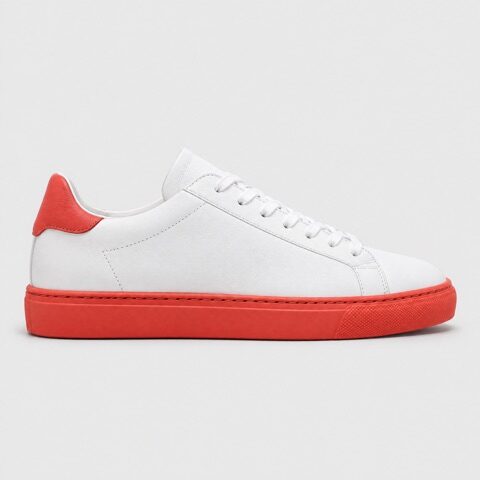 Everyday SneakerWhite / Coral€79
 Studio HeadphonesMatte White€149
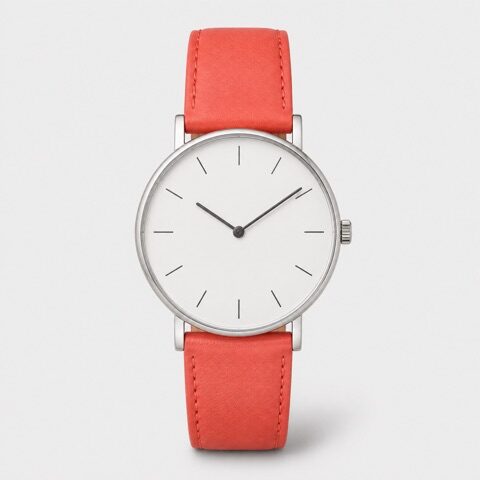 Minimal WatchCoral Leather€119